
22ms Queries onBillions of Records
Search and filter billions of call detail records in milliseconds. Partition-pruned queries, SIP flow visualization, in-browser audio playback, and one-click PCAP downloads — all in a single interface.
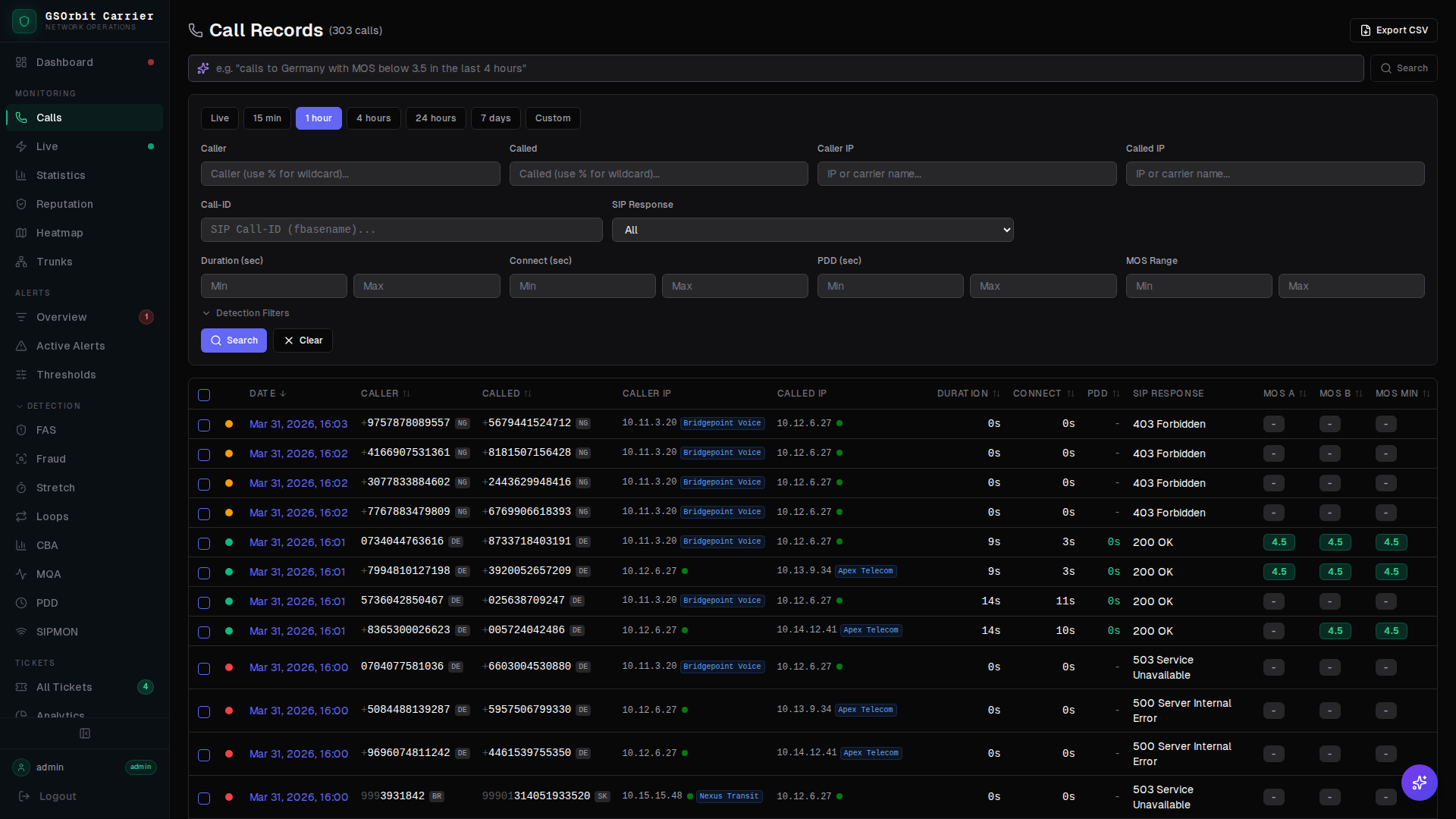
Partition-Pruned Search
Queries are automatically routed to only the date partitions that match your search window. Sub-25ms response times on billions of records.
SIP Flow Diagrams
Click any CDR to render a full SIP ladder diagram — every INVITE, 180 Ringing, 200 OK, and BYE with timing deltas between each carrier hop.
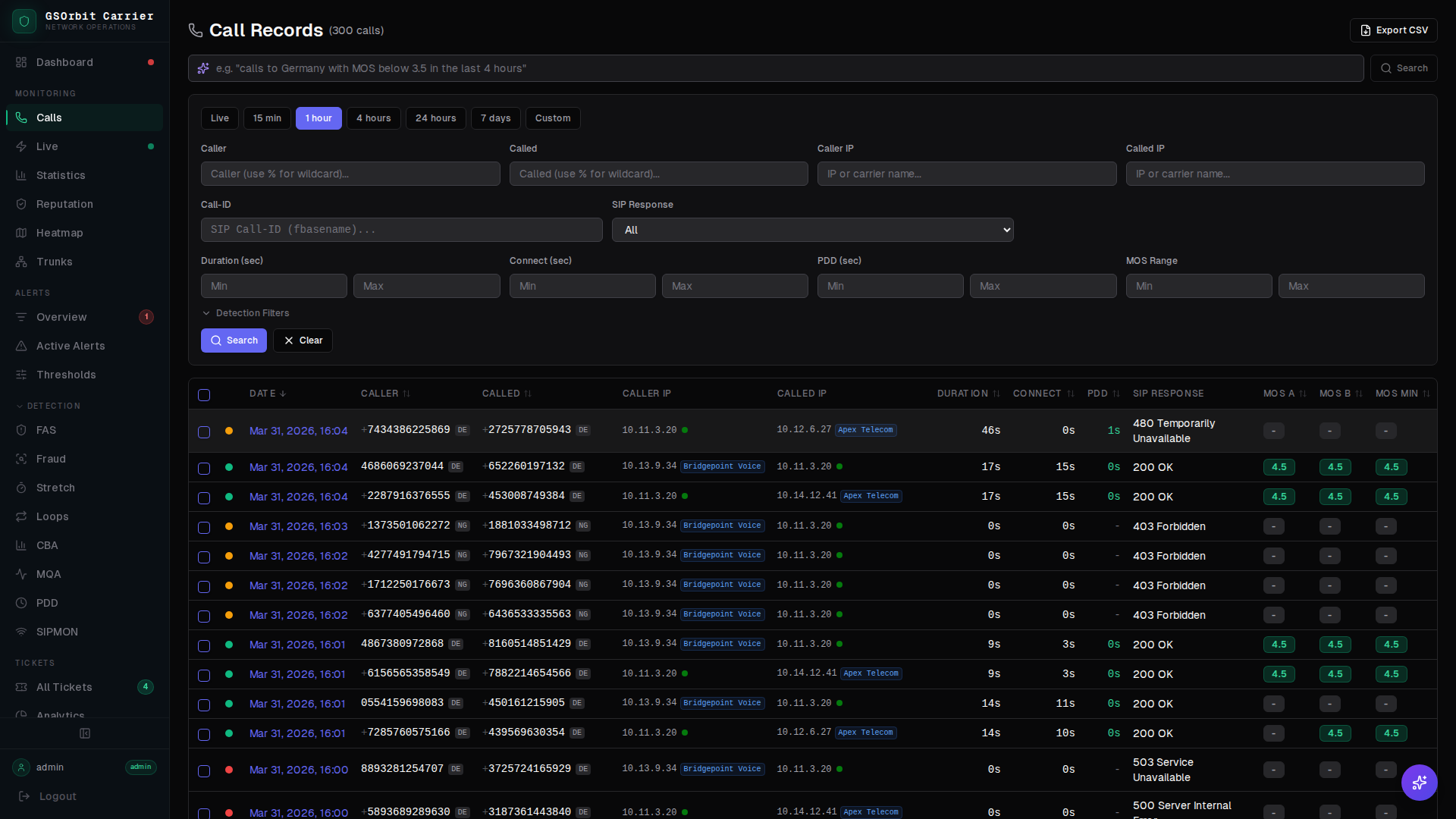
In-Browser Audio Playback
Play call recordings directly in the browser with waveform visualization, playback speed control, and timestamp markers correlated to SIP events.
PCAP Downloads
Export the full PCAP for any call with one click — SIP signaling and RTP media captured by GSNOC sensors, ready for Wireshark or carrier escalation.
How CDR Search Works
Built for speed at scale — from query input to enriched results in under 25ms.
- 1Enter search criteria: date range, calling number, called number, carrier, or SIP response code.
- 2The query engine evaluates the date range and prunes the partition list — skipping months of data that cannot match.
- 3Matching rows are fetched, enriched with carrier metadata and detection engine flags, and ranked by relevance.
- 4Results render in a paginated table. Click any row to open the full call detail view with SIP diagram, audio, and PCAP.